
How to Position Task Lighting for Zero Eye Strain
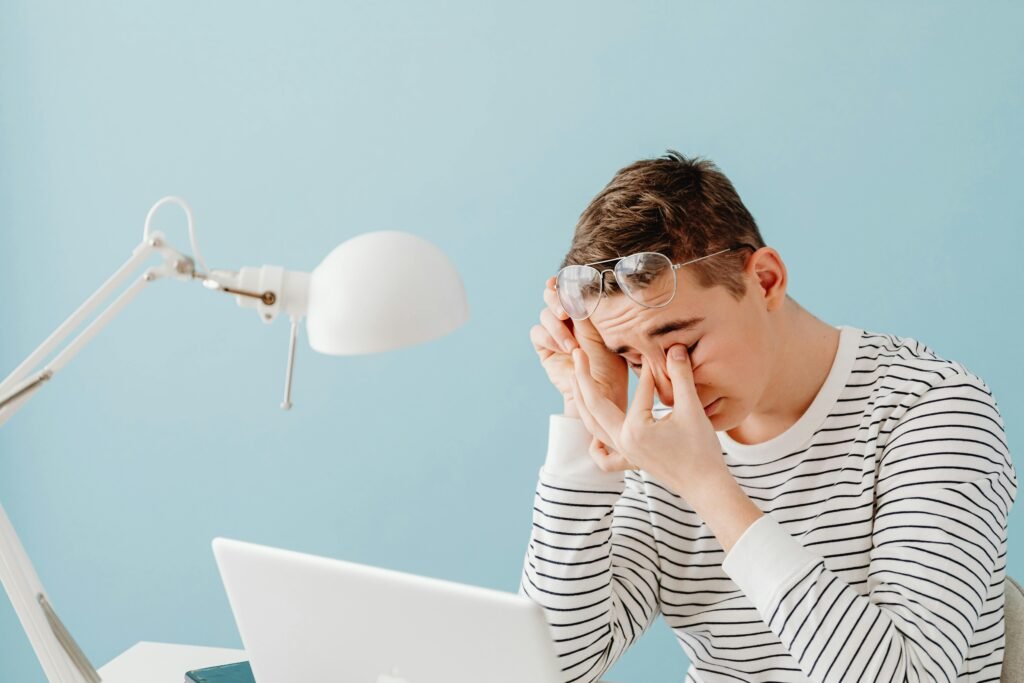
Have you ever experienced eye strain, headaches, or blurred vision after working at a desk? Yes, we usually think that simply closing our eyes or looking away from the task is enough, but in fact, the root cause of the problem is usually poor lighting. Our eyes were not designed to work in bright light for long periods of time.
Using task lighting correctly will not only reduce eye strain but it will also improve work time and productivity. I will now tell you how to reduce eye strain by explaining how to place task lighting in the right place on your desk, and give you some tips that you can implement immediately.
Why Proper Task Lighting Is Important
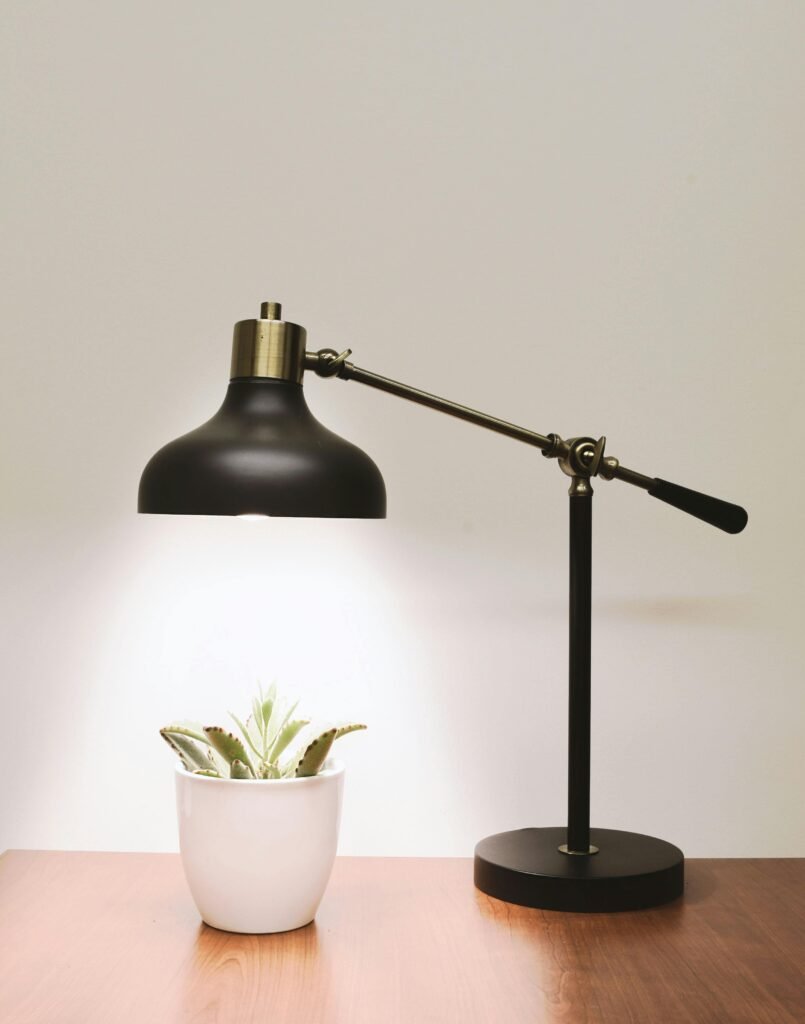
When your eyes are rested, focus on work increases, and productivity naturally improves. If the lighting is not right, our eyes have to work extra hard. Therefore, eye discomfort, headaches, or sleep problems can occur.
Most people use desk lamps or ceiling lights simply “for light”, but if they are placed incorrectly, they can cast shadows or blinding light. For example, if someone is right-handed and places a lamp on the right, it can be difficult to read, write, or work at work due to the shadow of the hand. Proper use of lighting reduces shadows, reduces eye strain, and enables the eyes to focus for longer periods of time.
Sometimes a small change is enough. For example, just changing the angle of the lamp slightly can provide comfort to the eyes.
Why Proper Task Lighting Is Important
Many of us make some common mistakes that damage our eyes from time to time:
- Too much light or too little light: Too much bright light creates glare in the eyes, and too little light puts more strain on our eyes.
- Wrong hand: For right-handers, the lamp should be on the left, and for left-handers, it should be on the right. Placing it in the wrong position creates shadows.
- Using the same type of light for all tasks is problematic. Be it reading, using a computer, or drawing, each task requires a different type of light.
- Reflections and glare: Light reflected from glass or a monitor screen increases eye strain.
By implementing these, you can easily reduce eye strain.
How to Place Task Lighting to Avoid Eye Strain
When task lighting is optimally placed, your eyes will work more efficiently. Here are some practical tips that you can use immediately:
Angle and Direction:
If you are right-handed, place the light source on the left side, and if you are left-handed, place the light source on the right side. This will prevent your hand from casting a shadow on your work. It is best to angle the light slightly downward so that the entire workspace is evenly lit.
Distance from the work surface:
Placing the light too close or too far away is a problem. The ideal distance is about 12-24 inches (30-60 centimeters). Placing it too close will cause glare, and placing it too far away will not provide enough light.
Height and Tilt:
Use an adjustable lamp. If necessary, tilt the lamp head slightly. This spreads the light across the entire surface, reducing eye strain.
Light intensity and color temperature:
A good intensity is around 400-600 lumens.
For heavy work, cool white (5000K) can be used.
For everyday and comfortable work, use warm white (3000K).
The right intensity and color temperature prevent eye fatigue and make the workspace comfortable.
Task lighting tips for different workspaces
For each task, the lighting should be different.
-Home office/laptop workspace: Use a switchable desk lamp. Mix up the lamp’s position to avoid glare from windows.
-Reading and study desk: A focused beam is needed. Overhead lighting casts shadows, making it difficult to study against.
-Craft/drawing table: Use cool, bright light. Shadows can be easier to overcome if the angle is adjustable.
-Kitchen/workshop: Provide ambient light with bright task lights. Reduces eye fatigue and makes work easier.
Other tips to reduce eye strain
- The 20-20-20 rule: After every 20 minutes of work, look at something 20 feet away for 20 seconds.
- Breaks and stretching: Give your eyes and body a break from time to time.
- Proper ambient lighting: Not just task lighting – the ambient lighting of the entire room is important.
- Screen brightness and contrast: Adjust the brightness of your monitor or laptop to suit your eyes.
In my opinion, if you follow these small habits, eye strain will be significantly reduced and you will be able to work more attentively for longer periods of time.
Conclusion

Adequate task lighting is not only for eye comfort, but also for making your workspace more efficient and comfortable. Small changes – lamp placement, distance, brightness – give your eyes a rest and do not put any strain on them.
Adjust the task lighting at your workstation today and move your eyes as you wish without sacrificing them. Remember, eye comfort means sharp focus, sharp productivity, and a sharp work experience.